
From the field to the office, your Sales & Customer Service teams have everything they need at their fingertips. No Master Class or PHD required.
Wingmate allows you to convert Google Maps into a goldmine of opportunities. Locate, tag, create, qualify and close opportunities all around, anytime, anywhere.
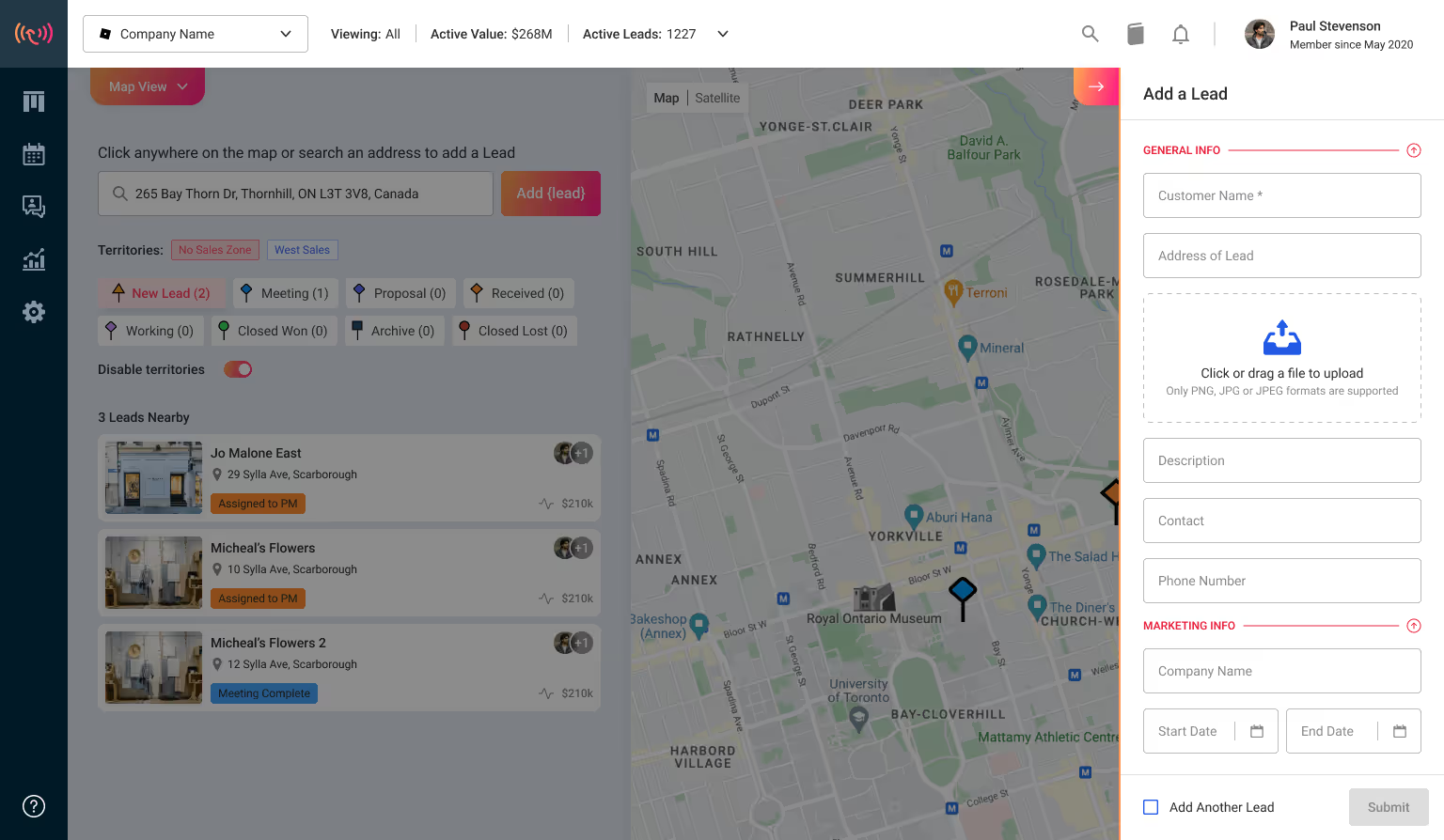
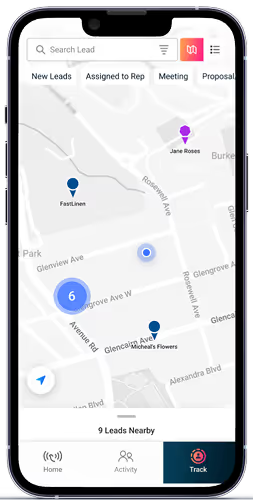
Open your Wingmate app and head on over to the maps
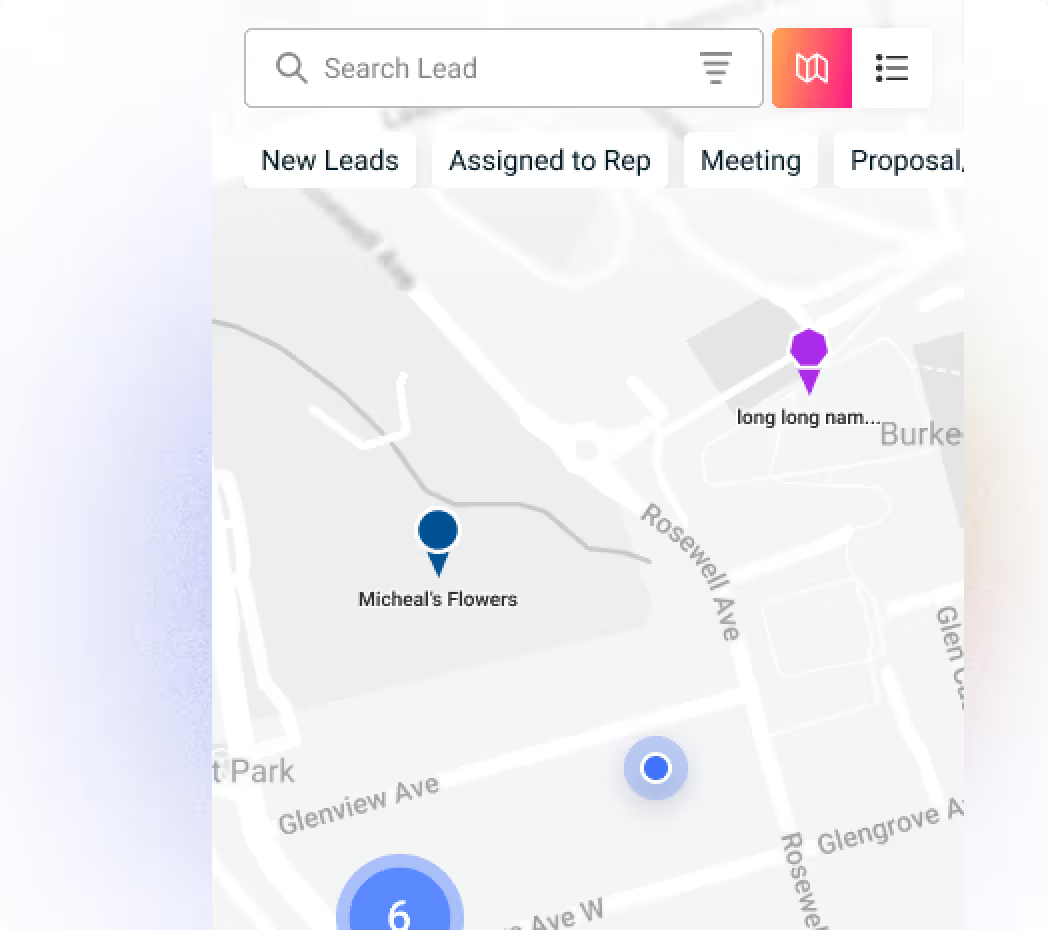
Using the map view, you can build client and route density in the area that you’d like to target for the day and generate tons of brand new opportunities, as well as leads from your competitors using AI.
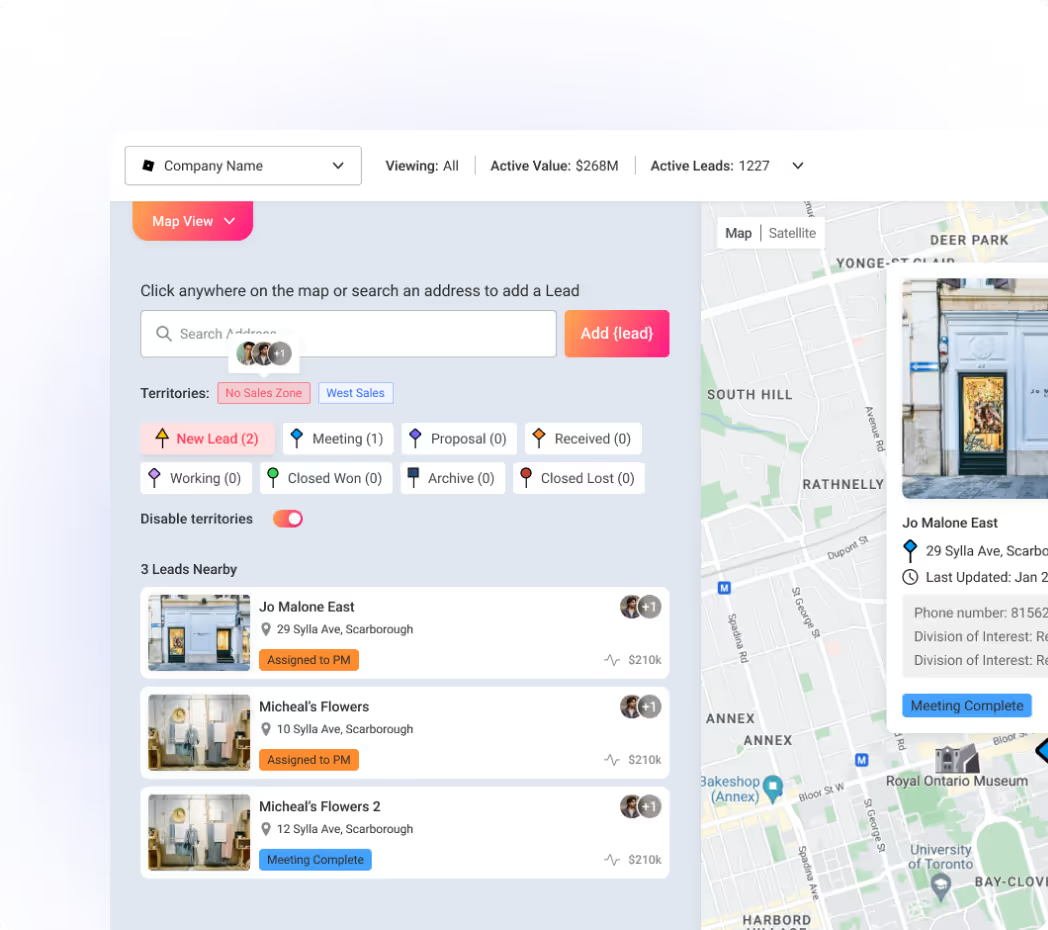
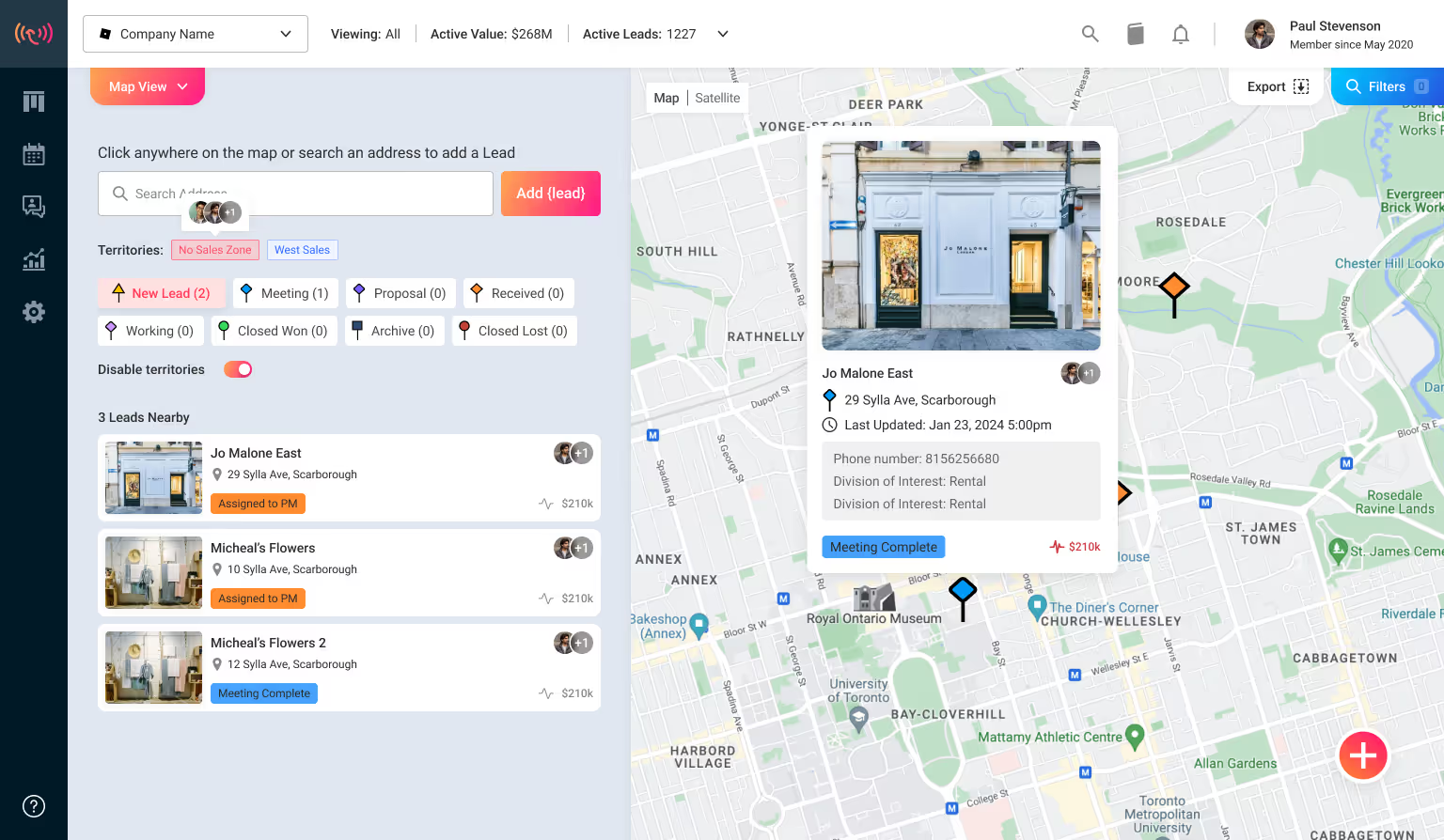
Spotted a new sales and service opportunity? Wingmate allows you to pin them down with unique colour-codes easily. Once you see a perfect opportunity, just click on it in the map and add it straight to the CRM in just one click.
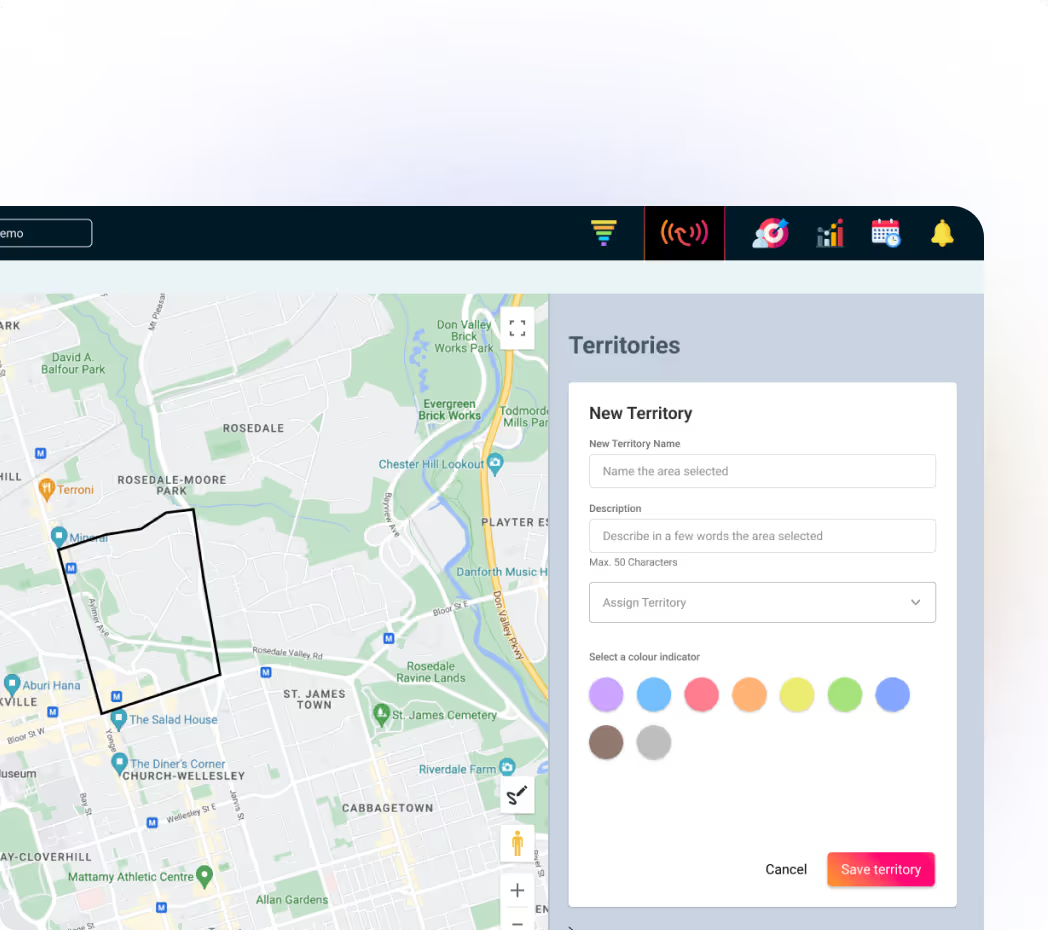
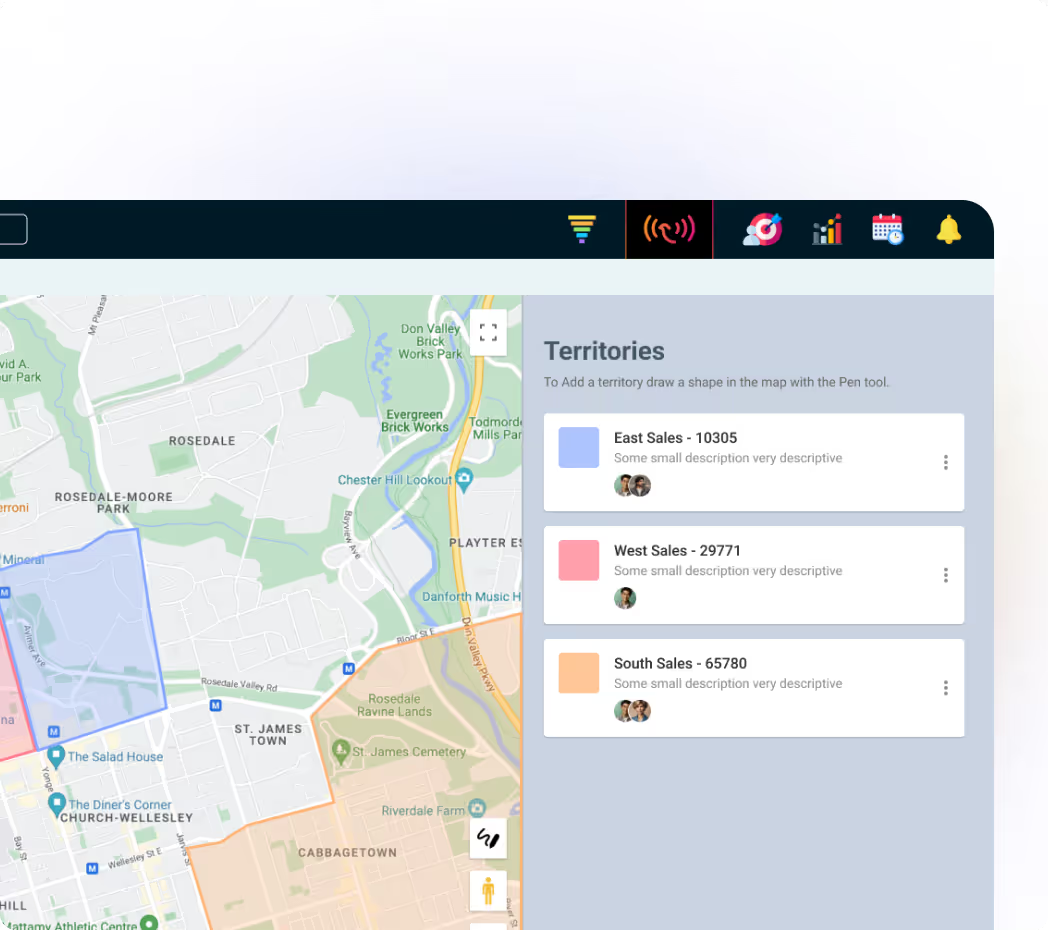
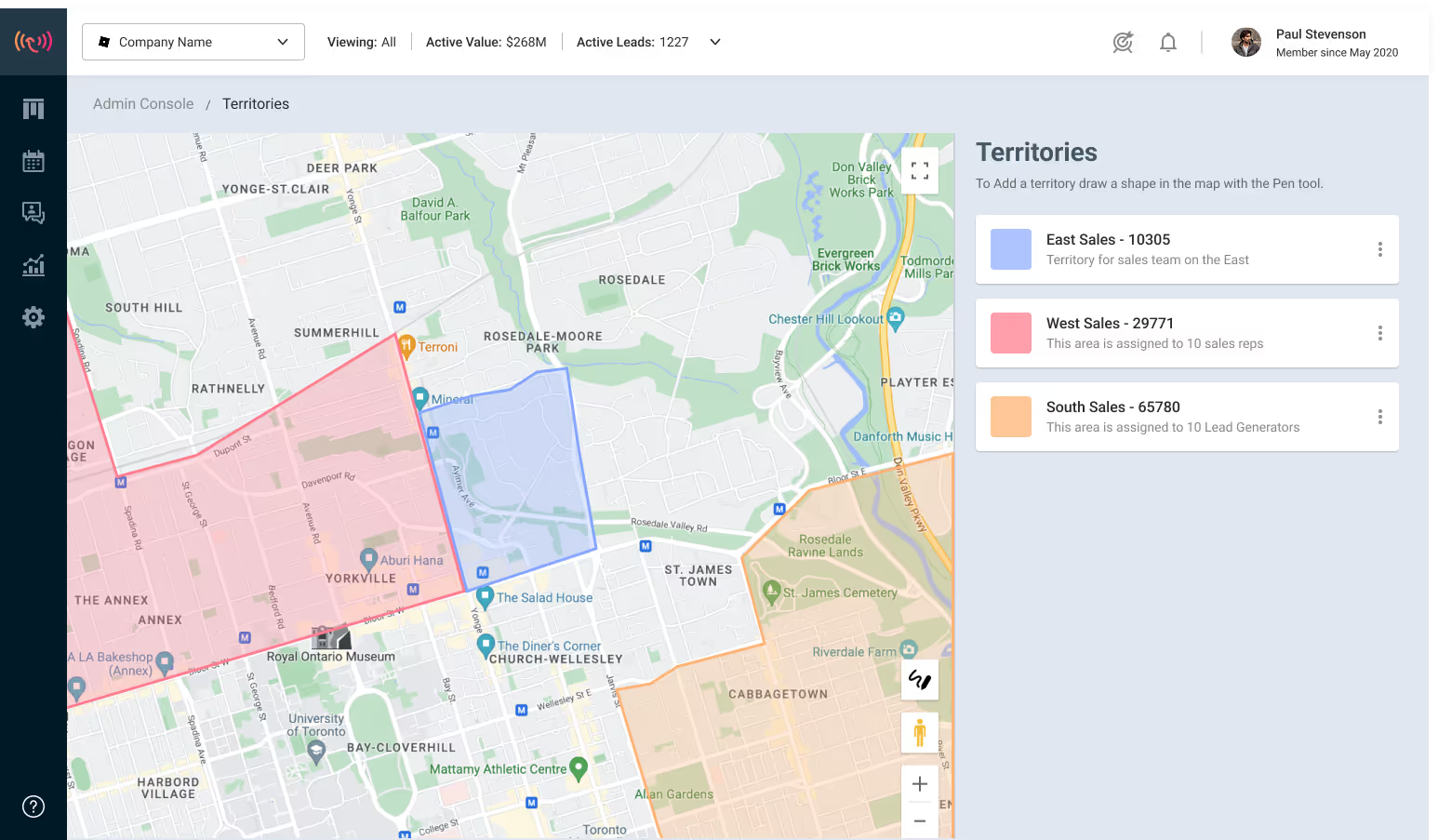
With Wingmate maps, your field teams can mark the territories they want to work so that there's no overlap. You can also geofence a specific area by zooming in on an area you’d like to target and then exporting it to a spreadsheet.
Wingmate allows your team to view on a map, satellite view, and 360° panoramic view.
This level of granular vision allows your teams to make the most for generating qualified opportunities with just a click.

“I would highly recommend Wingmate to a colleague or a friend. It’s been very easy to use and very user-friendly. I cannot speak highly enough for the platform.”
“Very easy to use from a mobile and desktop view. In the field, it’s incredibly efficient to capture & track new leads.”
“I would highly recommend Wingmate to a colleague or a friend. It’s been very easy to use and very user-friendly. I cannot speak highly enough for the platform.”
“We started using Wingmate at the beginning of 2025 and it's been a real game changer for our team.”


Seamless Native Integration into 8,000+ platforms.


White glove support and access to webinars.

Additional pipelines & stages to track buyer, customer & service journeys. Create pipelines around any process or project to seamlessly track Sales & Operations.

Trusted by 2400+ professionals



Simple CRM minus the busy work

Generate Quotes, Proposals, & More

Capture customers & insights on the go
Haven’t found what you’re looking for?Contact us





.svg)
.svg)





.svg)